

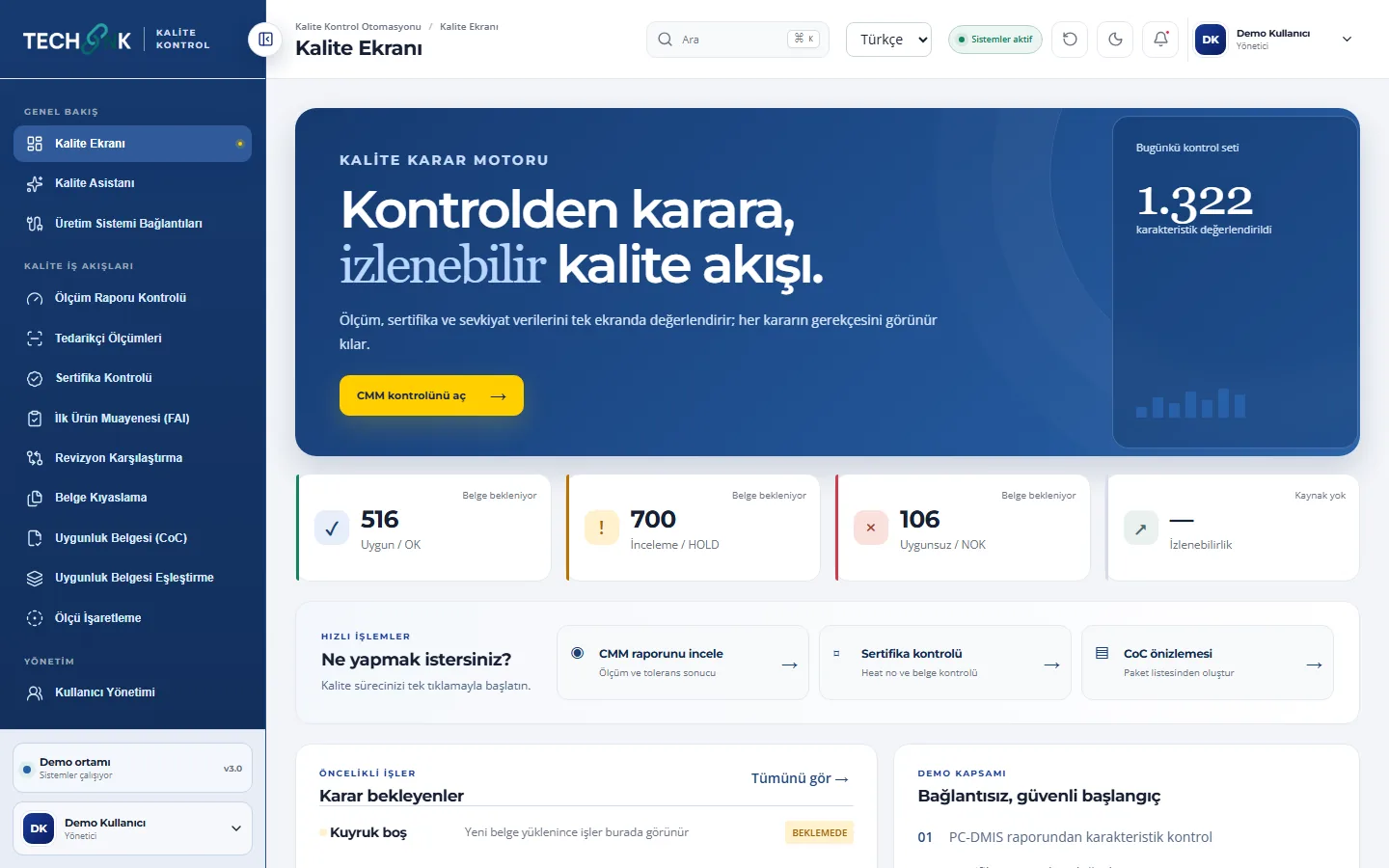
From inspection to decision, a traceable quality flow
Quality Control Automation reads CMM measurement reports, material certificates, drawing revisions and certificates of conformity directly. It validates tolerances and identity fields, evidences each result down to the source line and speeds up your quality team's decision.
- OK · HOLD · NOKAn evidenced decision for every characteristic
- AS9102Form 1–2–3 FAI PDF generation
- Read-onlyLeast-privilege links to production systems
Key features
Evaluate measurement, certificate and shipping documents on one screen, and make the reasoning behind every quality decision visible.
CMM measurement report check
The raw Excel/PDF report produced by PC-DMIS is read directly; measurements, tolerances and part identity are validated and the result can be downloaded as CSV.
Certificate check
Chemical and mechanical test values are compared with specification (e.g. AMS) limits, and heat/lot, PO and part numbers with the expected ERP data.
AS9102 first article inspection
Form 1–2–3 PDFs are produced from the drawing, CMM/FAI package, certificates and gauge list; if data is missing or mismatched, no PDF is generated.
Revision and document comparison
Drawing revisions and certificate–specification pairs are compared, and the changed lines and a result summary are recorded.
CoC generation and matching
A yearly-numbered CoC draft is produced from the packing list; plating and company CoCs are matched by parent and child work order.
OCR dimension ballooning
Drawing pages are scanned, dimension candidates are numbered in place and a new ballooned PDF is produced.
Quality assistant
Work-order, part, measurement, certificate and revision records can be queried in natural language, and the assistant never guesses a step it can't find a source for.
Least-privilege connections
Only defined tools are exposed for each source, and writing to production systems stays off without process and permission approval.
See the product up close
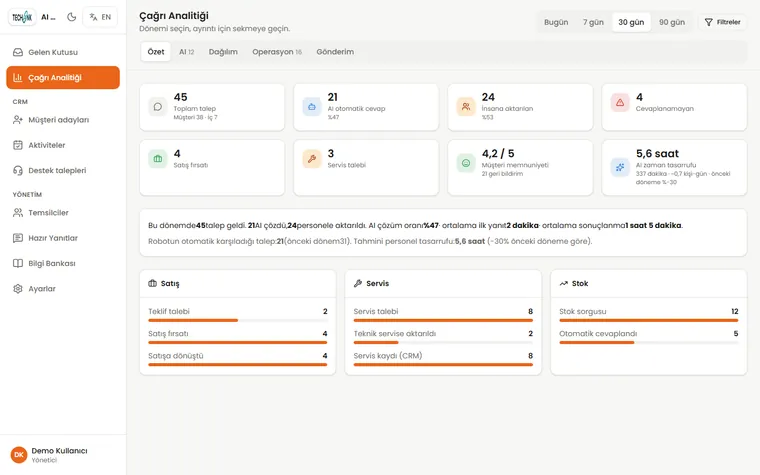
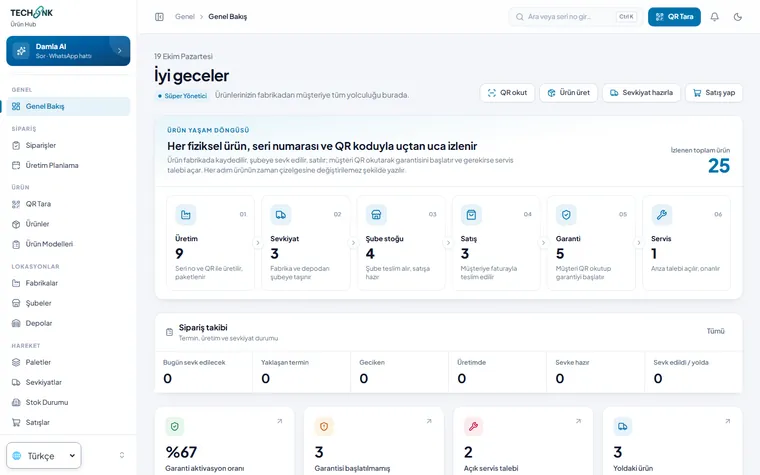
Screenshots come from a demo environment populated with sample data.
Four steps from set-up to results
Connect documents
CMM reports, the certificate archive and drawings are pulled automatically from a controlled document store.
Define the rules
Specification limits, internal tolerances and expected ERP fields are defined as inspection criteria.
Run the check
The platform evaluates every characteristic and field and lists OK, HOLD and NOK results with source evidence.
Document the decision
FAI, CoC and result reports are generated, and the original documents are archived for the audit trail.
Use cases
Aerospace and defence suppliers
Meet AS9102 FAI, AMS specification and customer CoC requirements without manual spreadsheet work.
Precision machining
Focus on the exceptions instead of checking thousands of characteristics in CMM reports line by line.
Supplier quality and incoming inspection
Evaluate supplier measurements against both the supplier limit and your own internal tolerance.
Quality assurance and audits
Keep an audit trail ready that shows which document and line every decision came from.
Systems it works with
- Hexagon PC-DMIS / CMM
- Oracle JD Edwards (ERP preview)
- Certificate archive
- PDF / Excel / Word documents
- OCR
- AS9102
- AMS specifications
Good to know
Our other products

Move quality control from document work to decision work
We'll show the platform live on your own CMM report and certificate.